
Unlock Your Creativity with Napkin AI: The Ultimate Note-Taking Tool for Brainstorming and Creative Projects.
In the fast-paced world of content creation, finding the right tools to enhance your workflow and spark creativity is essential. Napkin AI is the innovative note-taking software designed to help you organize ideas, connect concepts, and supercharge your creative projects.
Whether you’re brainstorming content strategies or crafting compelling posts, Napkin AI is a game-changer for modern creators.
Key Features of Napkin AI
- Get Visuals from text: (The most used feature) Create simple and clean illustrations for your projects.
- Smart Idea Linking: Automatically connects similar notes and concepts.
- Searchable Knowledge Base: Find your notes quickly with advanced search tools.
- Cross-Device Sync: Access your notes anytime, anywhere.
How This Tool Can Boost Your Content Production
1. SEO Content Ideation
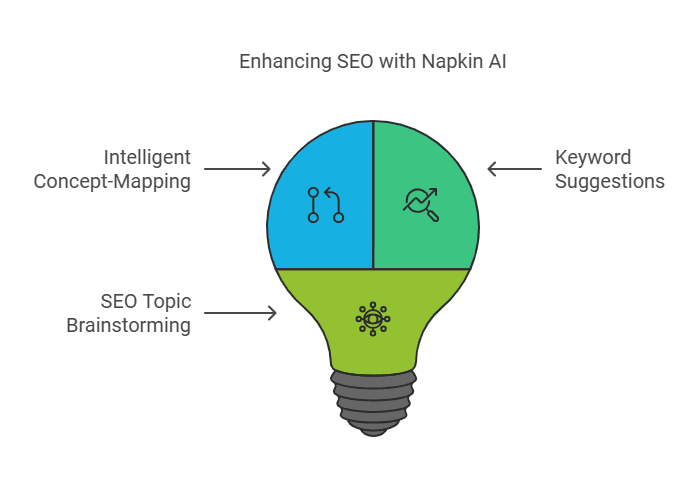
Napkin AI’s intelligent concept-mapping makes it perfect for brainstorming SEO topics. For example, it can suggest related ideas when you start with keywords like “AI content tools” or “creative workflows.”
2. Social Media Posts
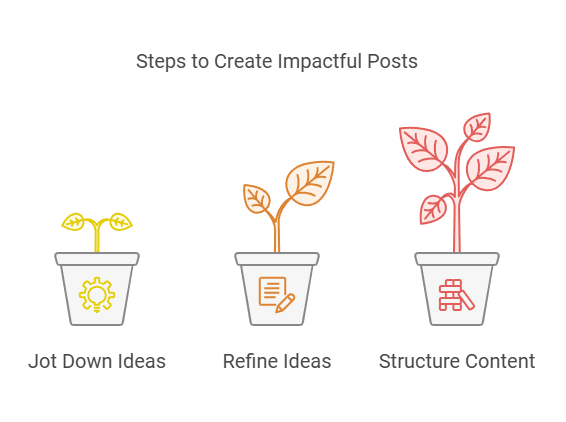
By organizing and connecting your thoughts, Napkin AI simplifies creating impactful posts. Jot down ideas, refine them, and structure content that resonates with your audience.
3. Visual Content Planning
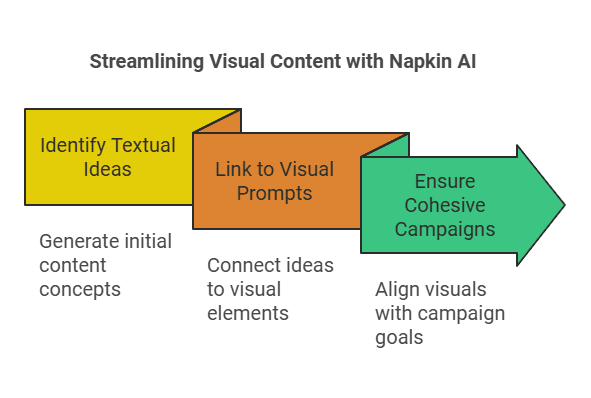
This AI tool helps streamline image and video concepts by linking textual ideas to relevant visual prompts, ensuring cohesive campaigns.
Of course, the previous illustrations were created using Napkin.ai.
How Does It Compare to Other AI Tools?
| Tool | Best For |
|---|---|
| Napkin AI | Brainstorming, connecting ideas, and creativity boost. Get Visuals from text |
| HeyGen | AI-generated video content for marketing campaigns |
| Luma | Creating photorealistic 3D renders and environments |
| NotebookLM | Summarizing and analyzing complex documents |
Step-by-Step: Using This Tool for Your Next Project
- Start with a Brain Dump: Jot down all your ideas without overthinking. Whether it’s project milestones, random concepts, or creative sparks, put them all in Napkin AI. This initial brain dump helps capture your thoughts while they’re fresh and creates a foundation for your project. Don’t worry about order or structure at this stage – just get everything out of your head and into the system.
- Organize Ideas: Let Napkin’s AI link related concepts and suggest new ones. The AI analyzes your content, identifying patterns and connections you might have missed. It automatically groups similar thoughts, highlights potential relationships between different ideas, and even suggests new directions based on your existing content. Watch as your scattered thoughts transform into coherent clusters.
- Refine Your Notes: Use its smart tools to polish your content structure. Napkin’s built-in features help you clean up and enhance your notes. Rearrange sections with drag-and-drop simplicity, add context to your ideas, and use AI-powered suggestions to fill in any gaps. The platform helps you turn rough concepts into well-structured content ready for your next steps.
- Export or Share: Seamlessly share ideas or integrate with other tools like Notion or Descript. When your content is organized, export it to your preferred platform without losing formatting or structure. Collaborate with team members by sharing specific sections or entire projects. The integration options make it easy to maintain your workflow across different tools.
Why Creators Love It
- Enhanced creativity: Napkin inspires new connections and ideas effortlessly. The AI suggests related concepts, helps you explore different angles, and often sparks unexpected creative directions. It’s like having a brainstorming partner who’s always ready to help you think outside the box.
- Streamlined Workflow: Simplifies organizing and retrieving content ideas. No more digging through multiple documents or losing track of important thoughts. Everything is centralized, searchable, and easily accessible when you need it. The platform remembers connections between ideas even if you forget them.
- User-Friendly Design: Easy to learn and integrate into existing workflows. The interface is intuitive enough for beginners yet powerful enough for advanced users. You can start using key features immediately and discover more advanced capabilities as you go. The learning curve is gentle, letting you focus on your ideas rather than figuring out the tool.
Ready to take your content creation to the next level? Try Napkin AI today and experience the power of smarter brainstorming and creativity. Sign up now to transform how you plan and create!